

Digext

One
Forever yours.

Found online. Kept private.

Reels, AI answers, pages that vanish. Paste the link once and Digext keeps the whole thing, on a shelf that lives on your device.

Download on the App Store Download on the Mac App Store

Free to try. No signup. No ads. · Mac version in App Store review

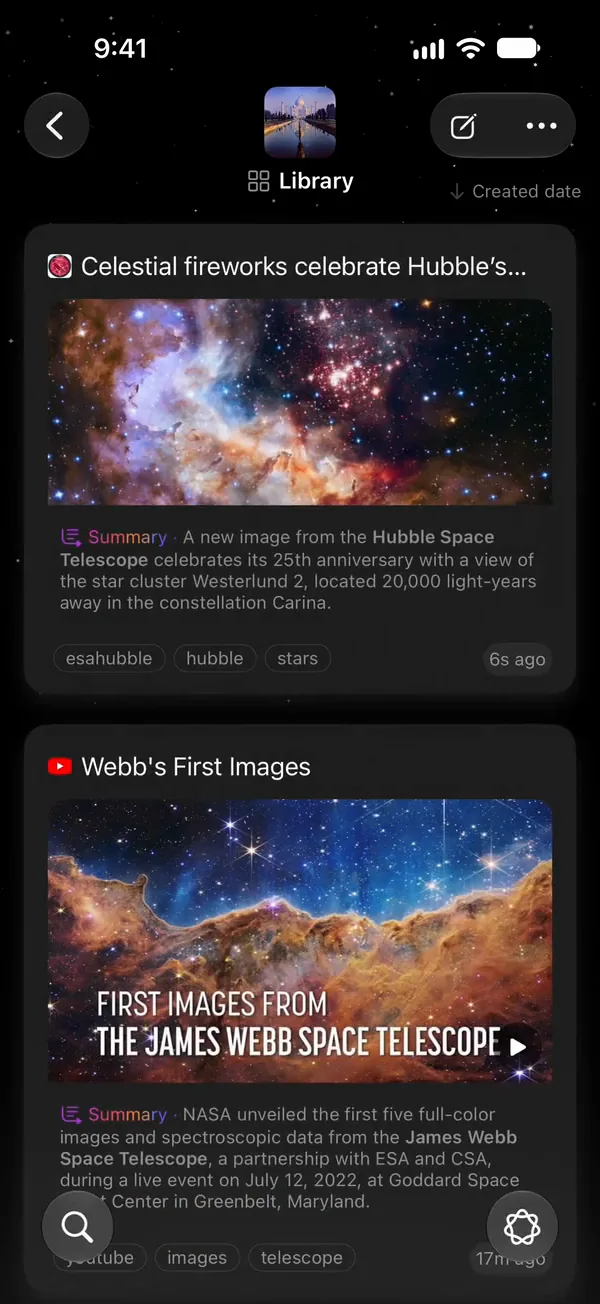
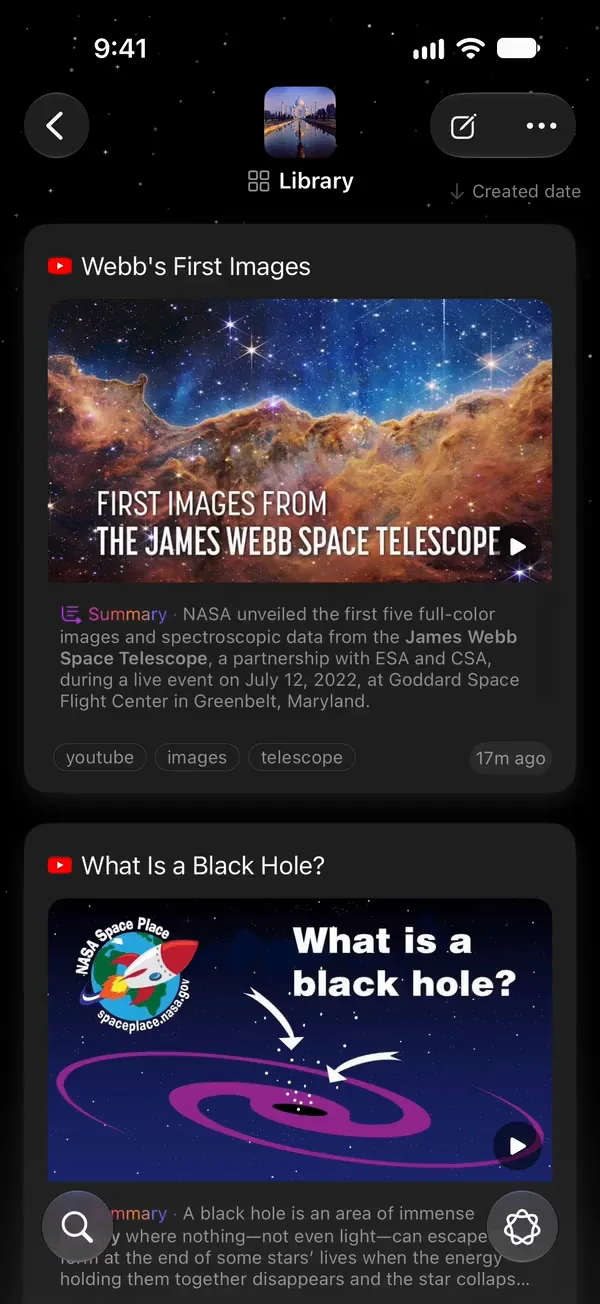
Digext on iPhone: the Library, with the Hubble article that was just pasted kept as its first card, above a saved NASA video. The red Paste button is at the bottom of the screen.

My Collections

  • Library
  • AI Conversations
  • Recipes
  • Travel
  • Prompts
  • Start with Dex

Hubble image (first cover and on the phone): NASA, ESA, the Hubble Heritage Team (STScI/AURA), A. Nota (ESA/STScI) and the Westerlund 2 Science Team · ESA/Hubble heic1509 · CC BY 4.0. Webb image: NASA, ESA, CSA, STScI. Black hole video card: NASA Space Place. No endorsement implied.

Things worth keeping
don’t stay put.

Open one.

The reel you’ll want again.

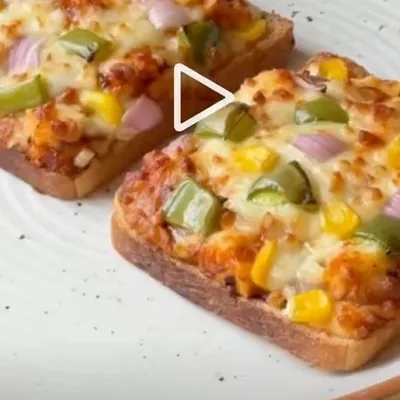
Saved posts sink under new ones. Paste the link and Digext keeps the reel itself. It plays right here, saved with its author and caption, and a summary is one tap away.
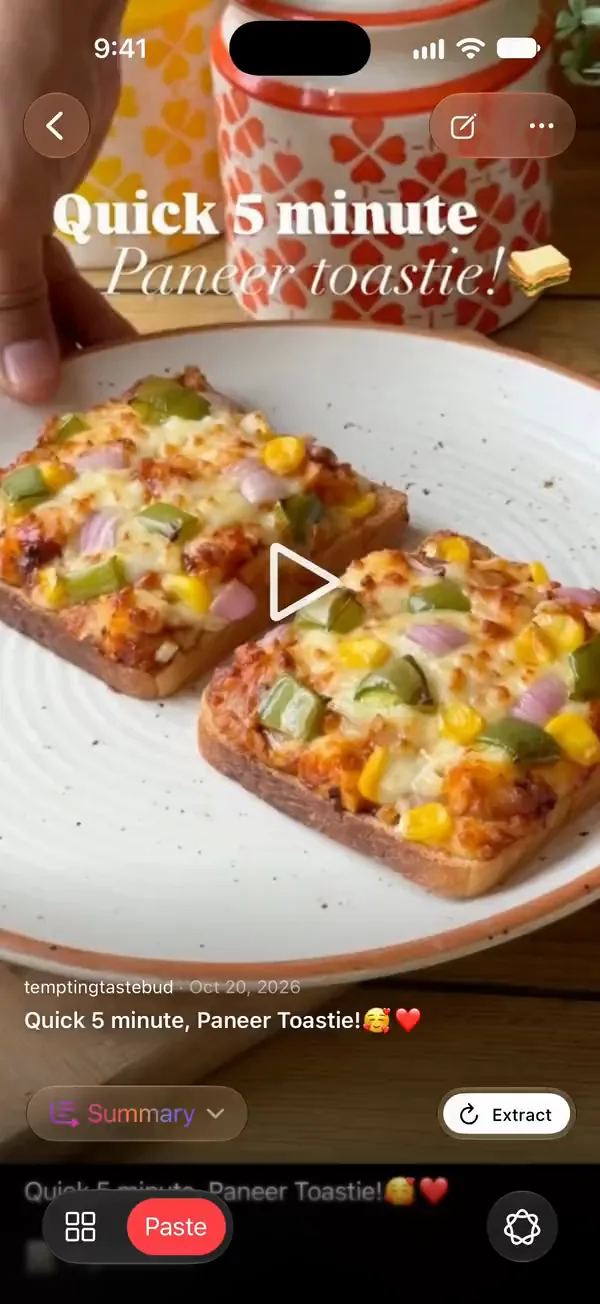
A saved Instagram reel inside Digext on iPhone: Quick 5 minute Paneer Toastie by temptingtastebud, its cover with the play button, the author line, Summary and Extract. It plays in place.
Saved from Instagram · plays inside Digext · @temptingtastebud
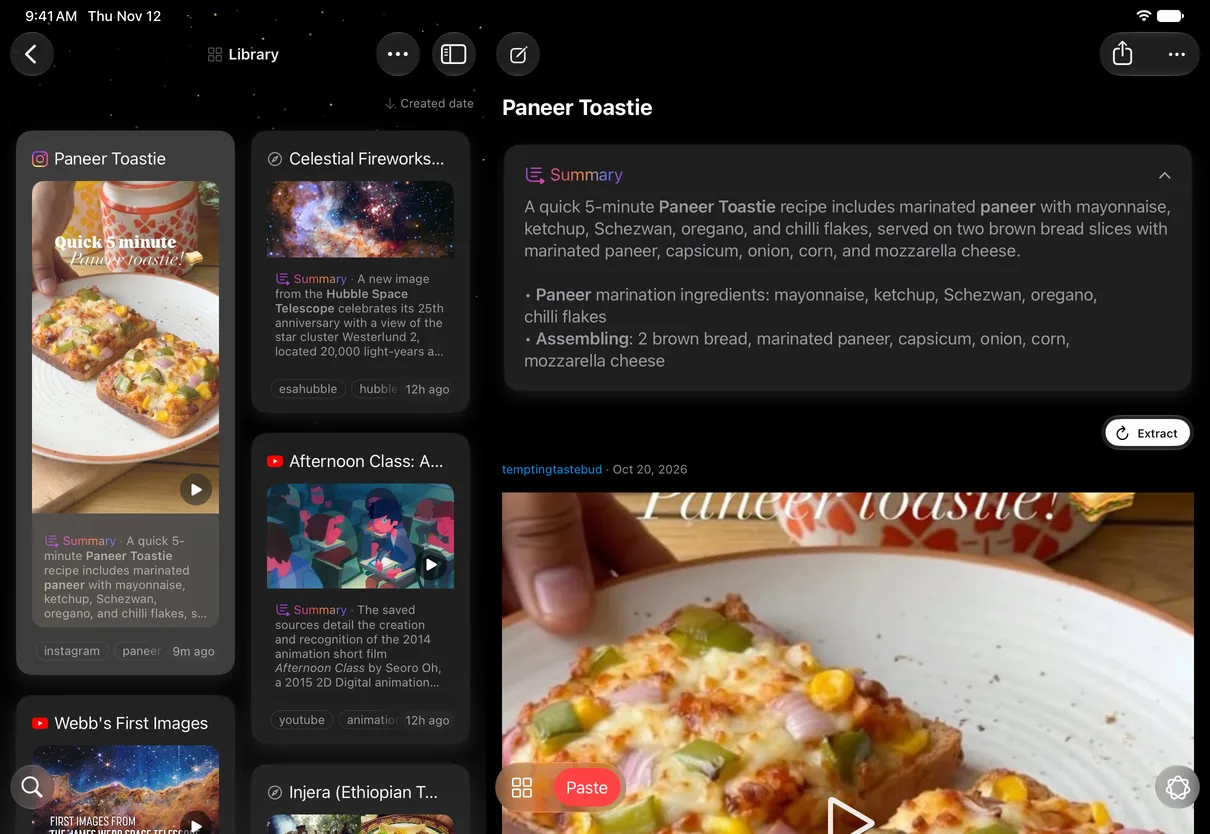
Digext on iPad showing the same saved Instagram reel: its card selected in the Library grid and, beside it, the reel open with its summary, its author and its cover.
The same reel on iPad

The answer you can’t find again.

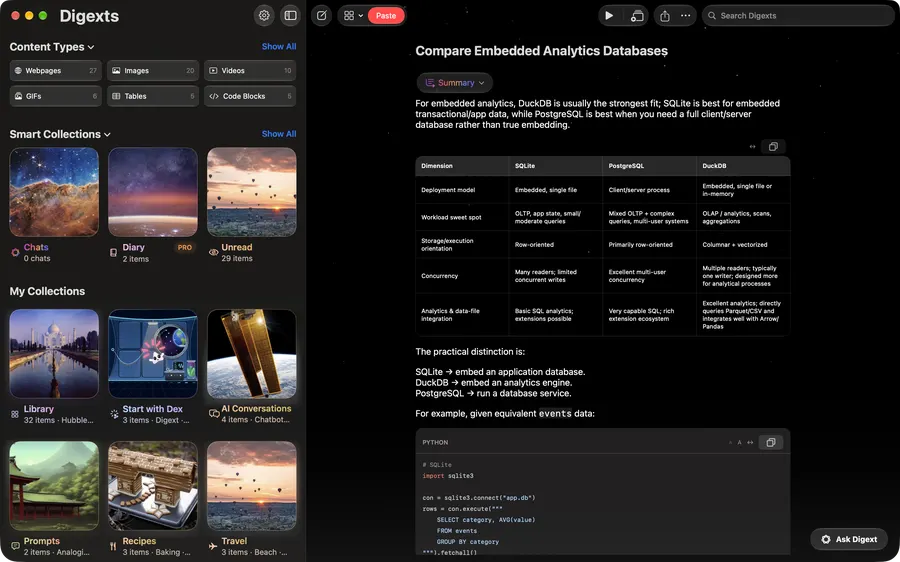
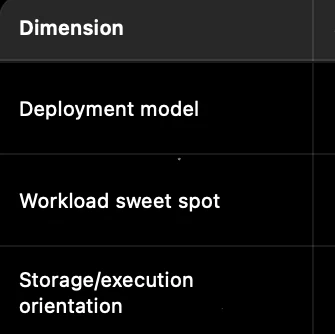
Chats scroll away. Digext keeps the answer whole, table and all, and you can still scroll it.
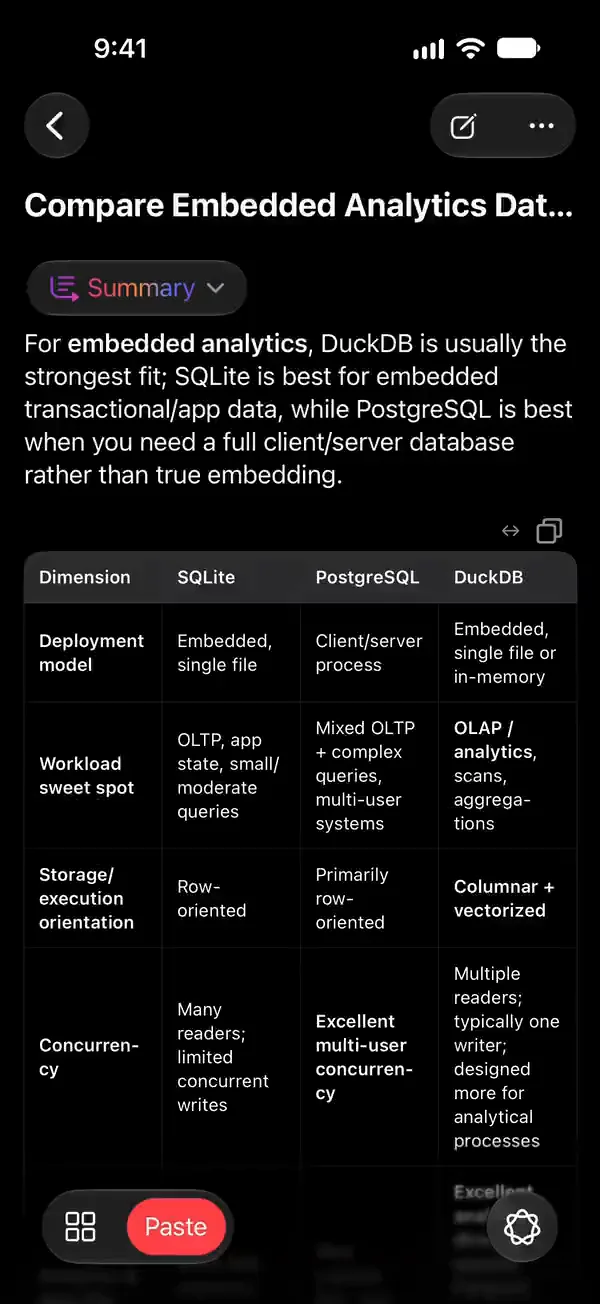
A saved ChatGPT answer in Digext on iPhone, its comparison table scrolling.
Saved from ChatGPT
Digext for Mac showing the same saved ChatGPT answer with its comparison table.
Digext for Mac · in App Store review

The page that disappears.

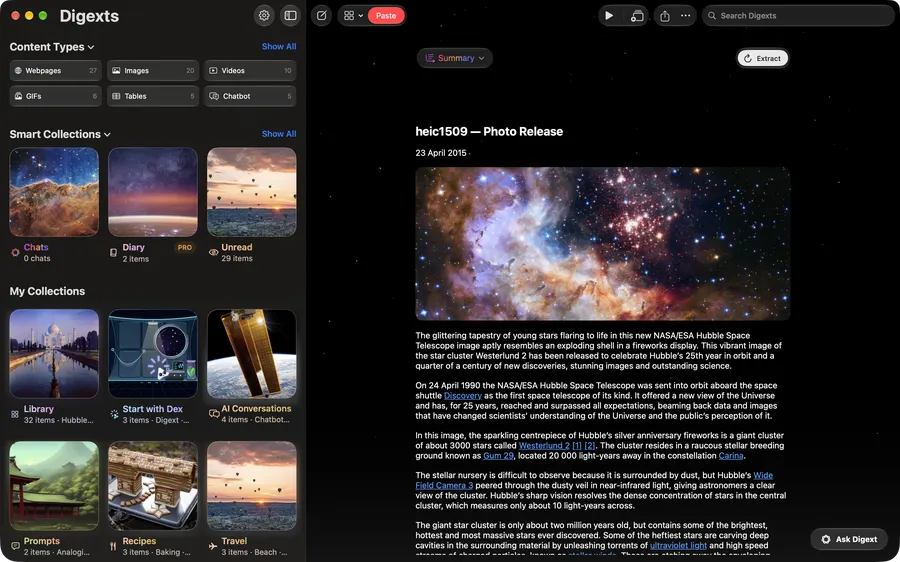
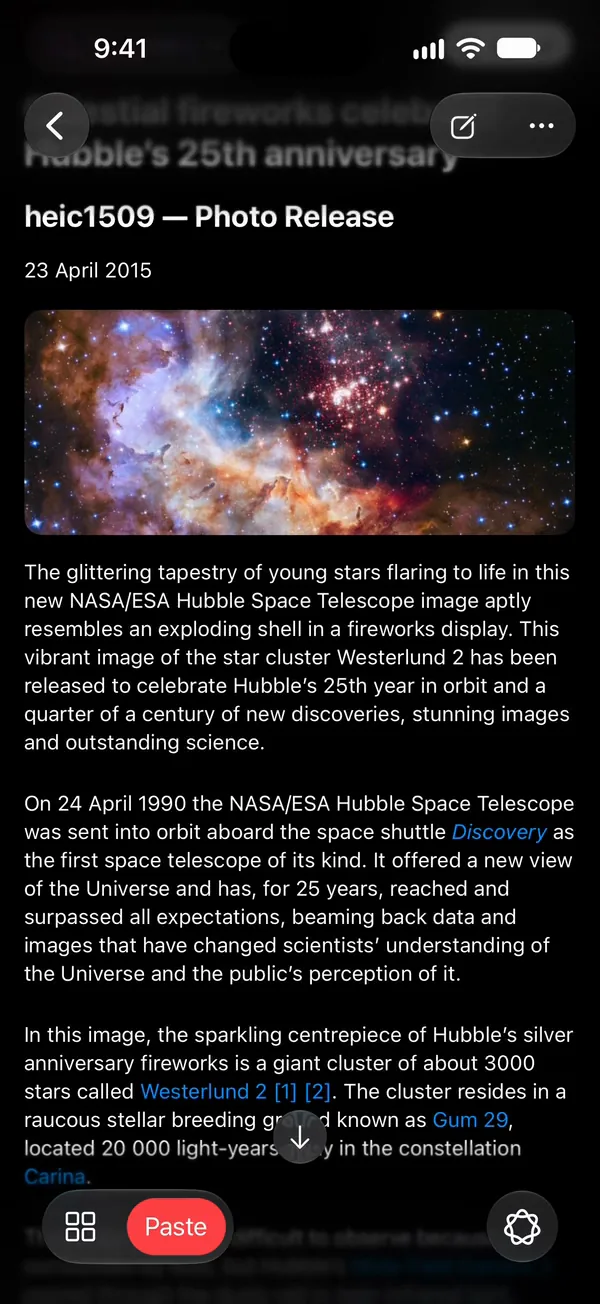
Sites move, paywalls go up, links rot. Digext keeps the article itself: the words, the pictures, where it came from.
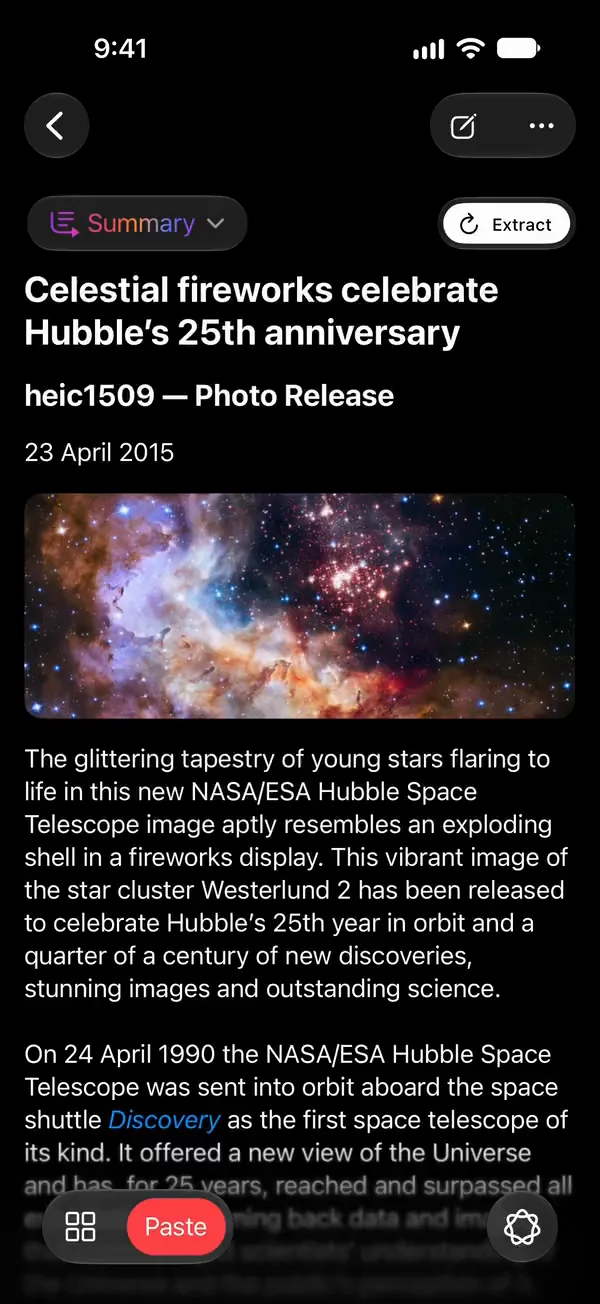
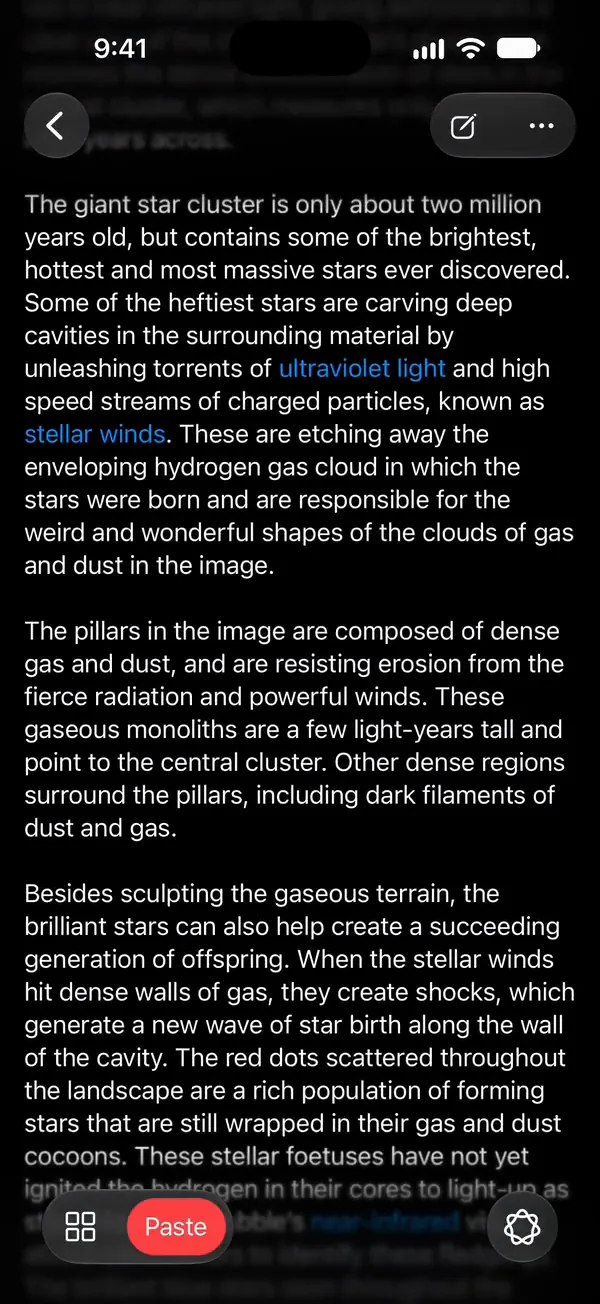
A saved Hubble article in Digext’s reader on iPhone: the title, Celestial fireworks celebrate Hubble’s 25th anniversary, the Westerlund 2 picture and the article’s text. It scrolls down through the article.
Saved from esahubble.org
Digext for Mac showing the same saved Hubble article beside the collections sidebar.
Digext for Mac · in App Store review

The video you meant to watch.

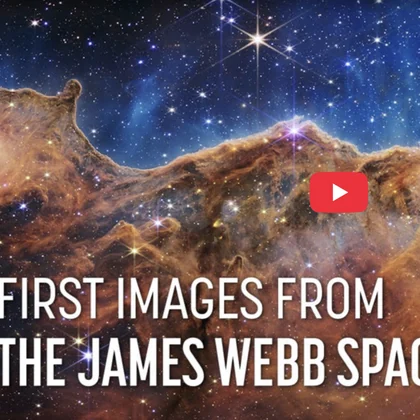
Paste a YouTube link and Digext keeps its page: the video, playing in place, with the title and description, and a summary one tap away.
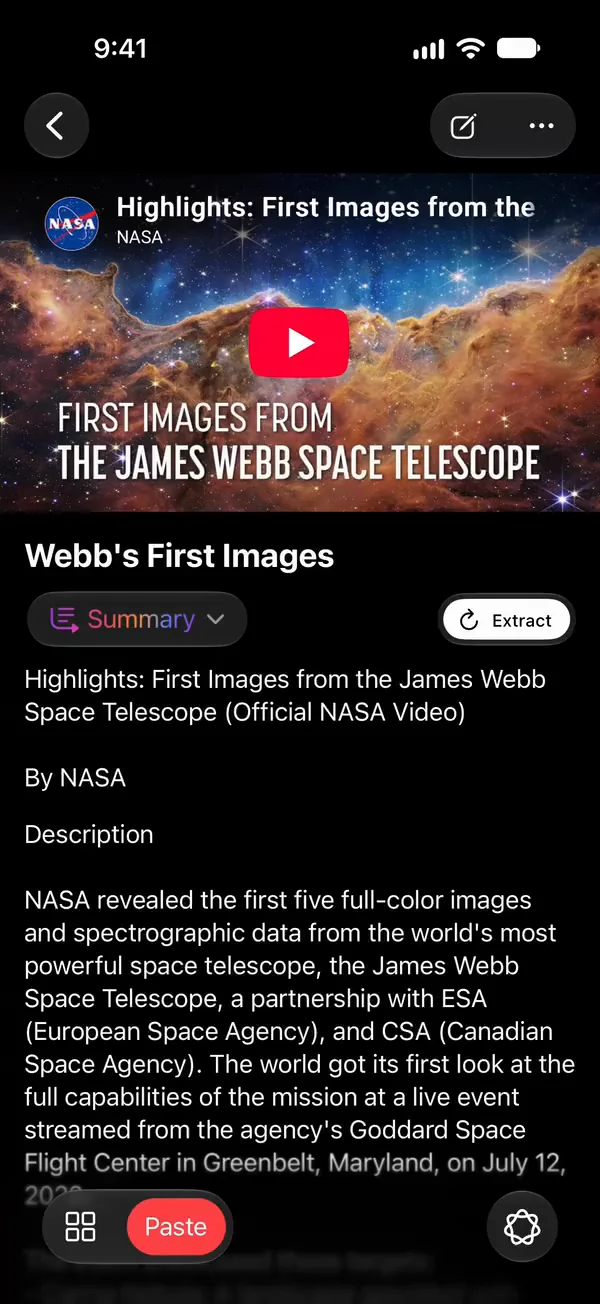
A saved YouTube video inside Digext on iPhone: NASA’s Highlights: First Images from the James Webb Space Telescope, with its title, Summary and description. It plays in place.
Saved from YouTube · plays inside Digext · NASA
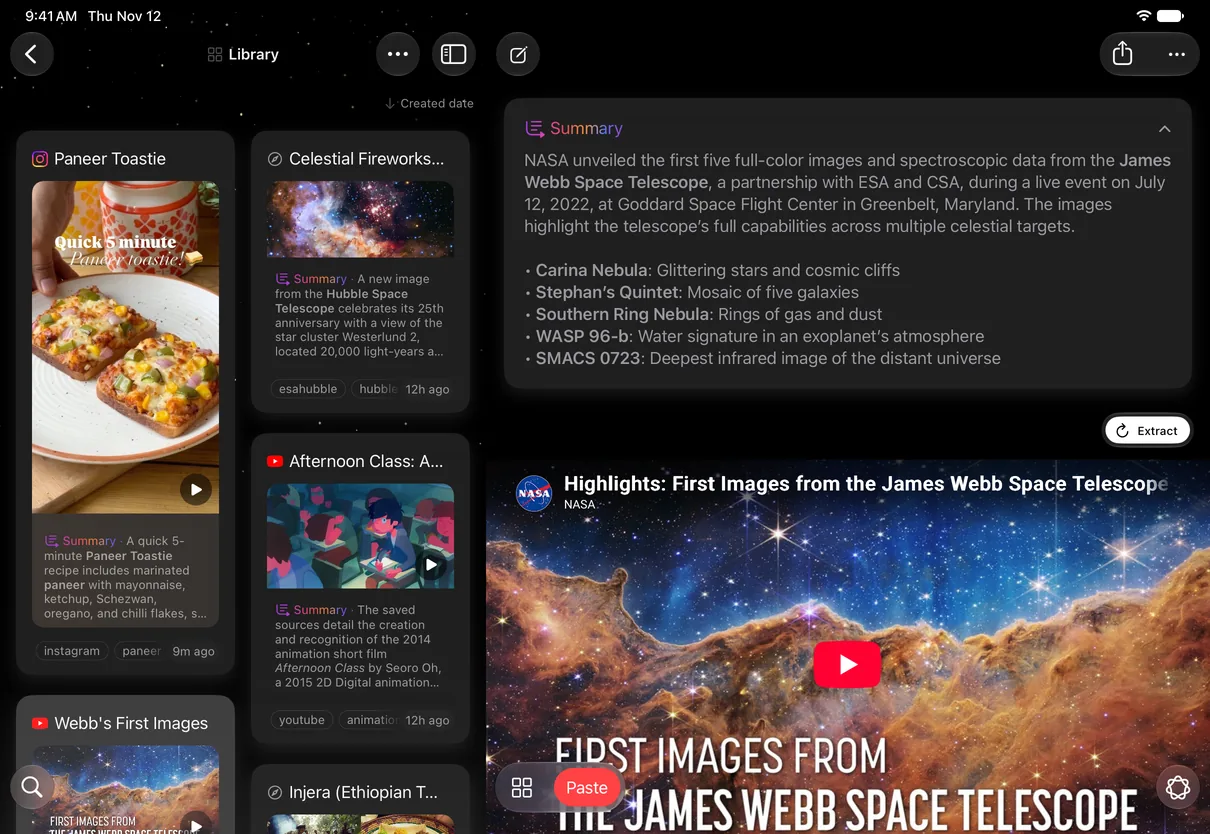
Digext on iPad showing the same saved NASA video: its card selected in the Library grid and, beside it, the video’s summary above the player with its title.
The same video on iPad
The reel and the video play inside Digext, as saved. Reel: @temptingtastebud on Instagram. Video and Webb image: NASA, ESA, CSA, STScI. Hubble image: NASA, ESA, the Hubble Heritage Team (STScI/AURA), A. Nota (ESA/STScI) and the Westerlund 2 Science Team · ESA/Hubble heic1509 · CC BY 4.0. No endorsement implied.

Read it. Listen to it.
Ask it.

Once it is on your shelf it is yours to use. On-device AI where your device supports it.
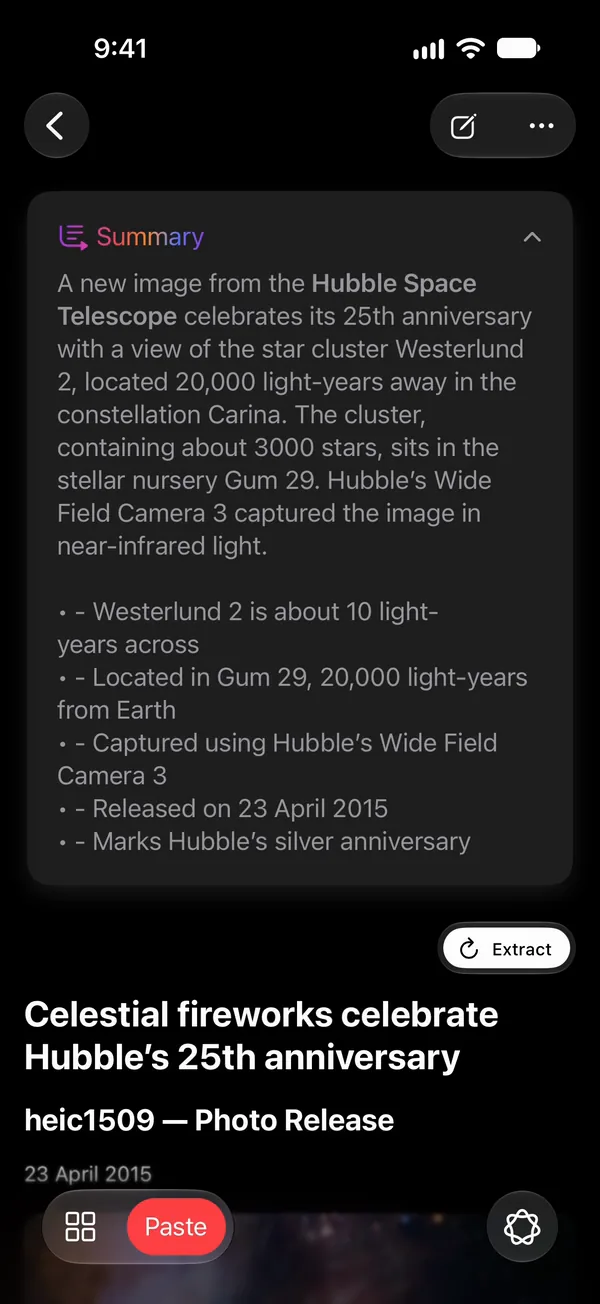
  • ReadA clean reader, with a summary one tap away.
    A saved Hubble article in Digext’s reader on iPhone. One tap on Summary opens the on-device summary above the article.
    iPhone
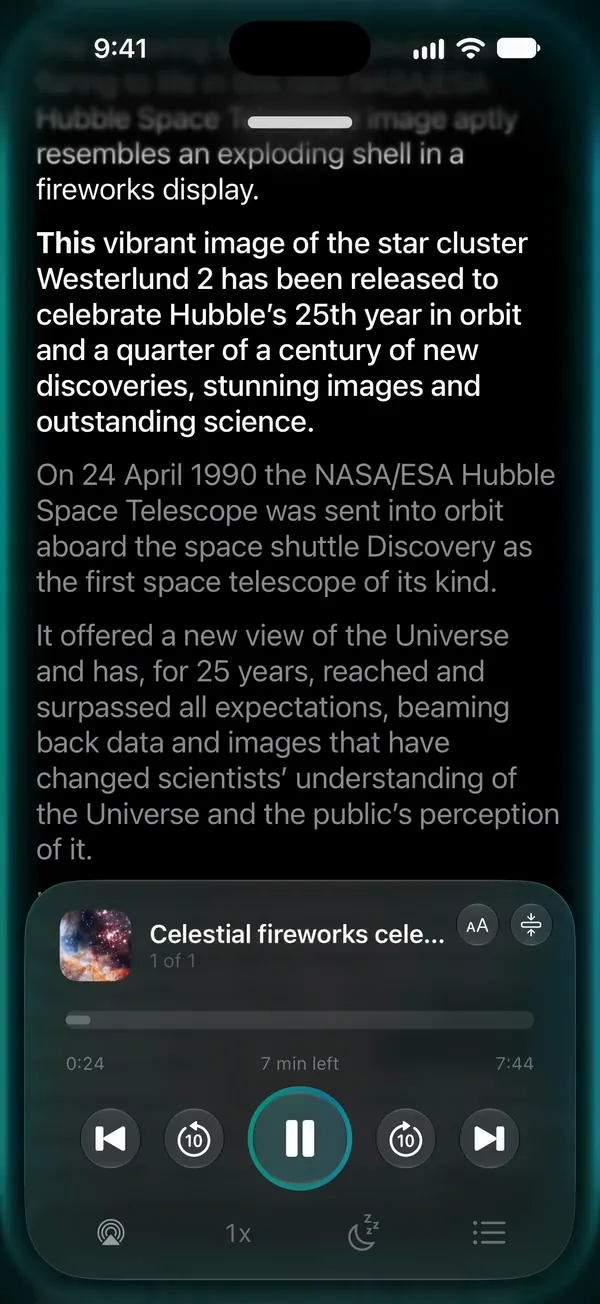
  • ListenAnything you kept, read aloud while you follow along.
    Digext reading a saved article aloud, the current sentence highlighted and the player at the bottom.
    iPhone
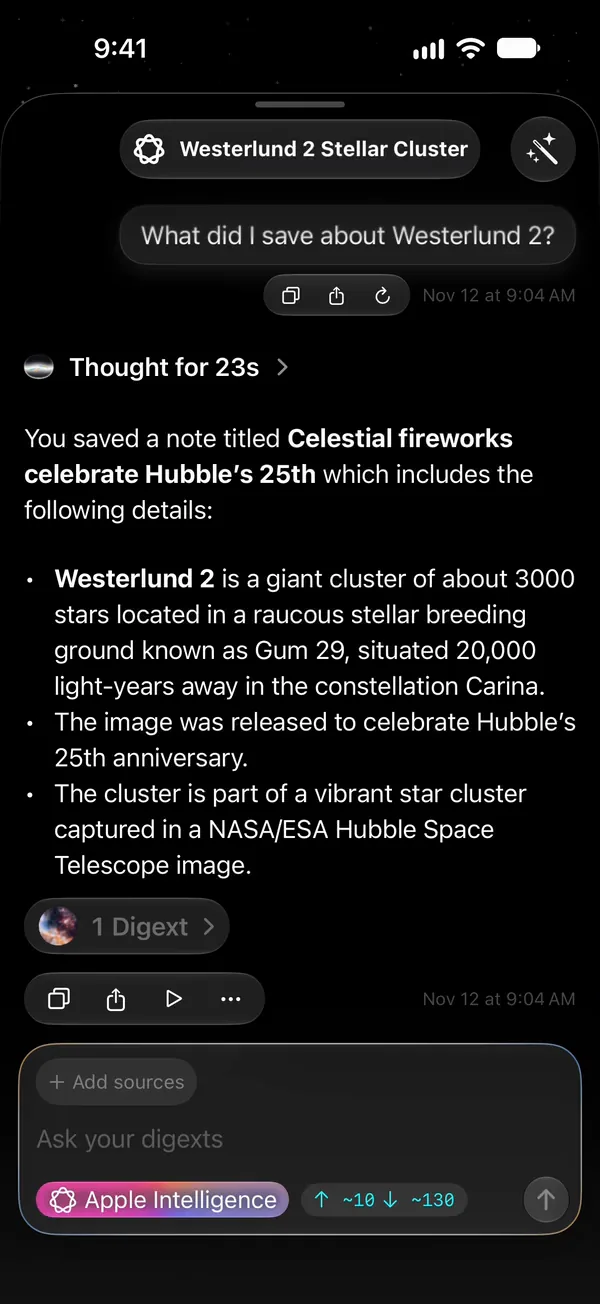
  • AskStop scrolling. Ask, and it answers from what you saved.
    Ask Digext on iPhone. The question “What did I save about Westerlund 2?” is typed and sent, and the answer appears: Westerlund 2, a giant cluster of about 3,000 stars in the Gum 29 stellar breeding ground, 20,000 light-years away in Carina, from the saved Hubble article “Celestial fireworks celebrate Hubble’s 25th” it names.
    iPhone
Hubble image on these screens: NASA, ESA, the Hubble Heritage Team (STScI/AURA), A. Nota (ESA/STScI) and the Westerlund 2 Science Team · ESA/Hubble heic1509 · CC BY 4.0.

No Digext servers.

  • Stored on your device.
  • On-device AI.
  • No account.
  • No tracking in the app.
  • Cloud storage and cloud AI are optional, and yours.

One shelf, every screen.

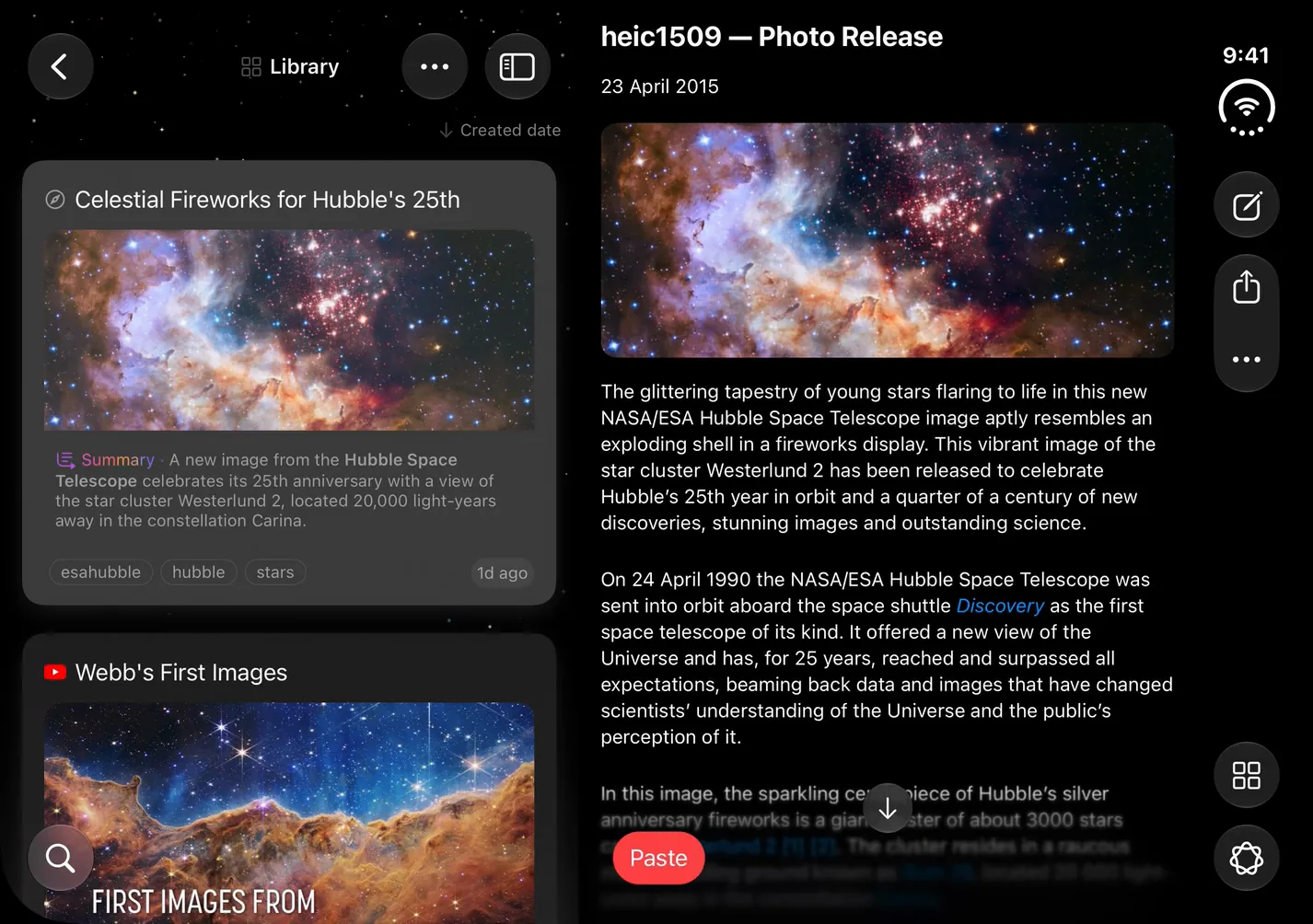
  • Digext on iPhone 18 Pro: the Library with the saved Hubble article first; the article opens.
    iPhoneAvailable now
  • Digext on iPhone Duo, unfolded: the Library on the left with the saved Hubble article first; the article opens beside it.
    iPhone DuoAvailable now
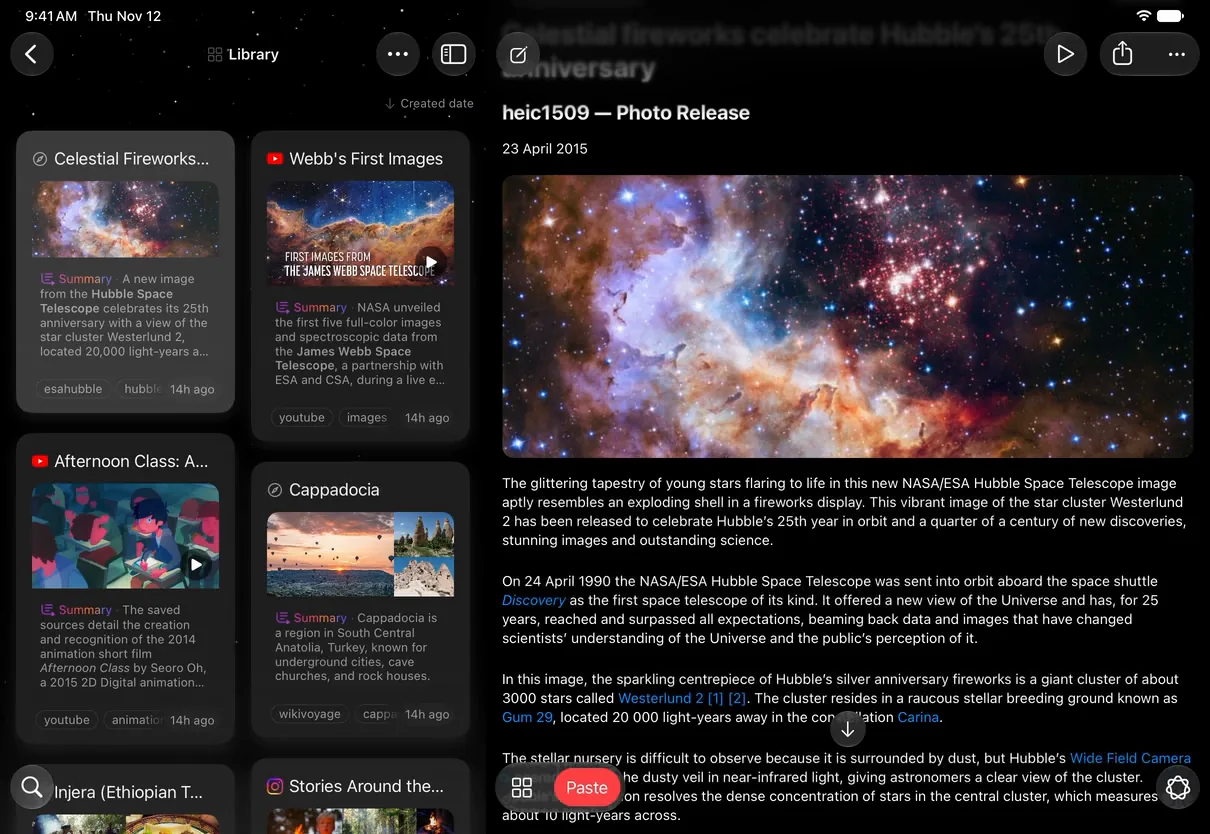
  • Digext on iPad Pro 11-inch: the Library grid with the saved Hubble article first; the article opens in the reader beside it.
    iPadAvailable now
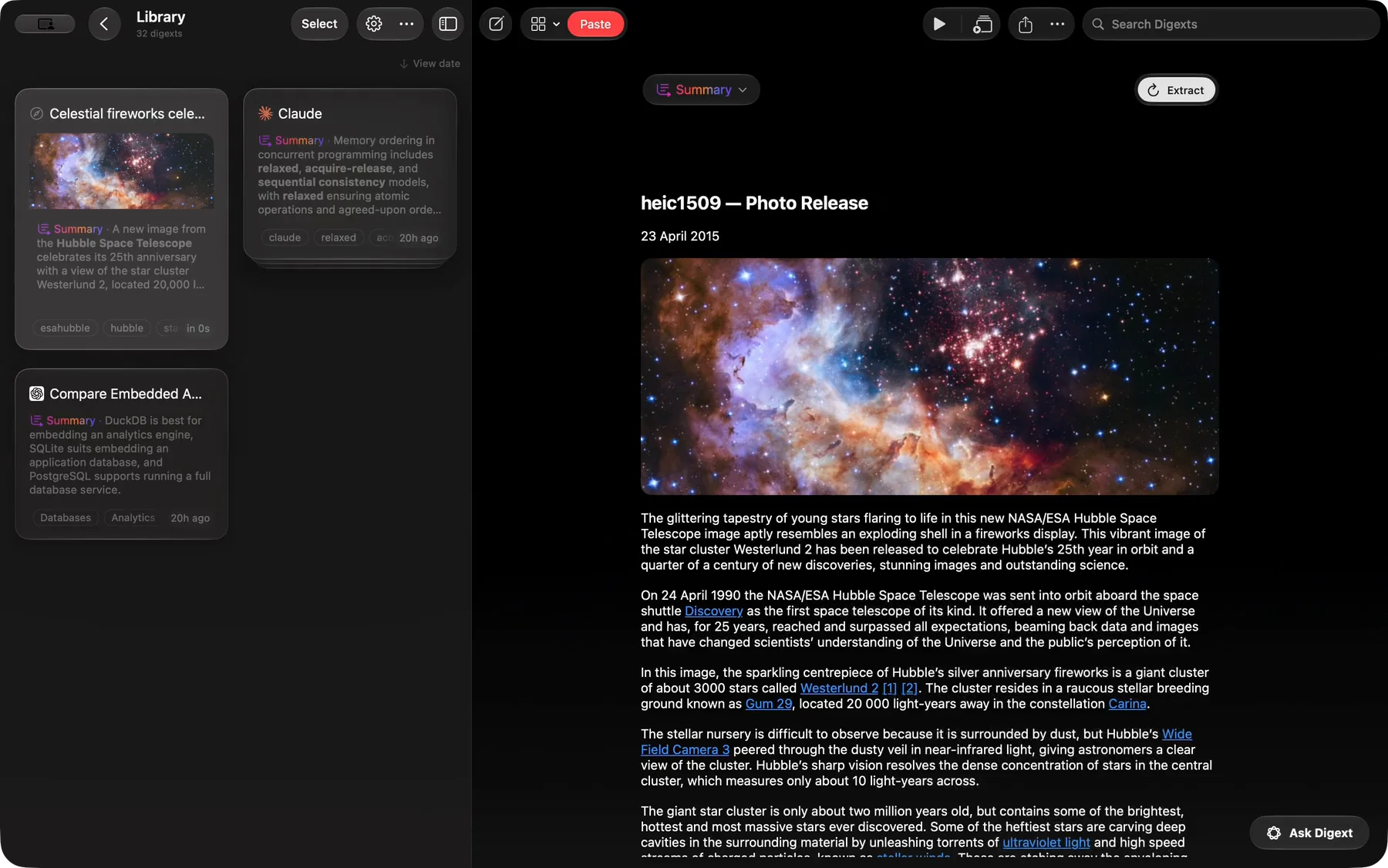
  • Digext for Mac, its window as wide as a 14-inch MacBook Pro’s screen: the Library with the saved Hubble article first; the article opens beside it.
    MacIn App Store review
Screens to scale: iPhone 18 Pro, iPhone Duo unfolded, iPad Pro 11-inch, MacBook Pro 14-inch (the Mac window at full screen width). Hubble image: NASA, ESA, the Hubble Heritage Team (STScI/AURA), A. Nota (ESA/STScI) and the Westerlund 2 Science Team · ESA/Hubble heic1509 · CC BY 4.0.

Paste anything.

Found online. Kept private.

Download on the App Store Download on the Mac App Store

iPhone · iPad · iPhone Duo · Mac version in App Store review